4 phút đọc
AppImage/appimage.github.io: Given an URL to an AppImage, the GitHub action in this project inspects the AppImage and p – Repository AppImage/appimage.github.io. Mô tả: Given an URL to an AppImage, the GitHub action in this project inspects the AppImage and puts it into a community-maintained catalog. 396 stars, 800 forks, ngôn ngữ chính Shell, cập nhật 2026-09-29.
1. Repository làm gì?
How to submit AppImages to the catalog
The file should contain one line with a link to the GitHub, Codeberg or GitLab repository that hosts AppImages on its Releases page.
Alternatively, a link to the download directory where new versions appear, e.g. https://download.kde.org/stable/digikam/ or an openSUSE Build Service …/AppImage/ directory (the test picks the AppImage of the newest version from its listing), or a link to the AppImage. Nothing else.
The pull request must add (or change) exactly this one file in data/ and nothing else; one application per pull request. Otherwise the test fails.
Ideally, the file in data/ contains a link to https://github.com/User/App/ (or the equivalent Codeberg or GitLab project page; not to a specific AppImage!). The test then picks the AppImage from the newest release (or, if no release has an AppImage, the newest pre-release): among its files ending in .AppImage, the one for x86_64 (other architectures such as aarch64 or i686 are left out), not a debug or nightly build, and, if the release contains AppImages of several applications, the one named like the file in data/. If it is still not clear which AppImage to test (e.g. App-qt5-x86_64.AppImage and App-qt6-x86_64.AppImage), the test fails; then put the link to the AppImage itself into the file in data/.
If a PR changes the file in data/ to a download location of a different owner (another GitHub user or organization, or another website), it gets the manual-check-needed label and a comment: please explain in the PR why the location changed, ideally with a link where the project announces it.
2. Dữ liệu và cấu trúc đáng chú ý
Name of the file in data/ (checked by the test; new files that break these rules fail with the error-filename label):
Then send a Pull Request to this repository. GitHub Actions will instantly perform an automated review of the AppImage and post the result as a comment in your pull request: a screenshot of your application if it succeeds, or the error (with hints on how to fix it) if it fails. Please check that the screenshot shows the main window of your application. To test your pull request again (e.g., after publishing a new release), comment /retest on it. If the test failed, it also runs again automatically when you comment that the problem is fixed (e.g., "Fixed in 1.2.3, please test again").
Checklist for submitting your own AppImage
As a format, AppImage is designed in a way that does not impose restrictions on the person generating AppImages. Basically you are free to put inside an AppImage whatever you want. For appimage.github.io, however, additional rules apply. AppImages submitted to AppImage hub undergo automatic and possibly additional manual review.
How to remove an application from the catalog
App stores and software centers can consume the metadata collected by this project. See AppImage ecosystem.
Currently we are providing a JSON feed at https://appimage.github.io/feed.json. If you would like to use this data but need changes, please contact us on #AppImage at irc.libera.chat, so that we can discuss an output format that would serve your needs best. PLEASE NOTE that the data output format is not finalized yet and is subject to change any time without prior notice, until we release a stable version of it.
3. Khả năng ứng dụng và giới hạn
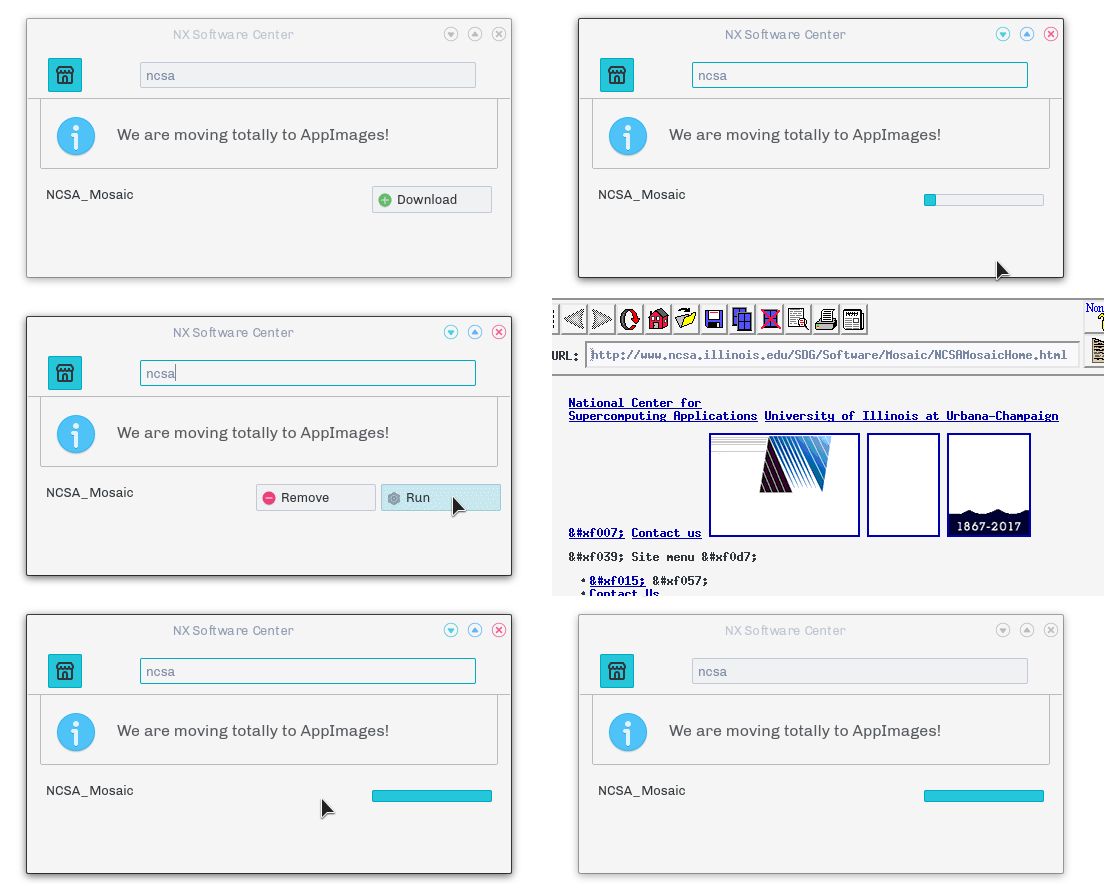
Here are some examples of projects using this data, to illustrate on how you can use this data in your own projects:
Please contact us (or send a pull request) if you are using this data so that we can list your project here.
Số liệu repository có thể thay đổi; nên mở liên kết nguồn để kiểm tra README, giấy phép và trạng thái phát hành.
Nguồn tham khảo: Xem bài gốc