4 phút đọc
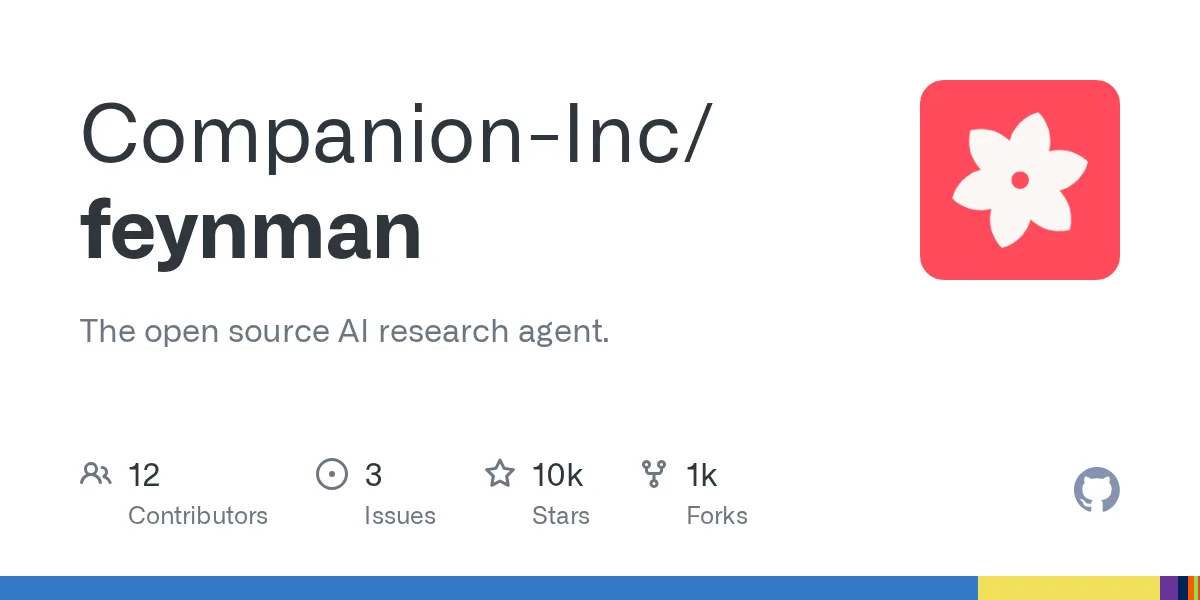
Companion-Inc/feynman: The open source AI research agent. – Repository Companion-Inc/feynman. Mô tả: The open source AI research agent.. 9762 stars, 1085 forks, ngôn ngữ chính TypeScript, cập nhật 2026-09-23.
1. Repository làm gì?
The open source AI research agent.
The one-line installer fetches the latest tagged release. To pin a version, pass it explicitly, for example curl -fsSL https://feynman.is/install | bash -s — 0.2.35.
The installer downloads a standalone native bundle with its own pinned Node.js runtime and verifies the release SHA-256 before replacing an existing installation.
To upgrade the standalone app later, rerun the installer. feynman update only refreshes installed Pi packages inside Feynman's environment; it does not replace the standalone runtime bundle itself.
To uninstall the standalone app, remove the launcher and runtime bundle, then optionally remove ~/.feynman if you also want to delete settings, sessions, and installed package state. If you also want to delete alphaXiv login state, remove ~/.ahub. See the installation guide for platform-specific paths.
npm alternative (uses your local Node.js runtime):
2. Dữ liệu và cấu trúc đáng chú ý
To update an npm installation, run npm install -g @companion-ai/feynman@latest.
If you installed the interim @advaitpaliwal/feynman package (0.3.48), migrate once:
The command remains feynman; the native install commands above are unchanged. See the installation guide for Node.js requirements and uninstall instructions.
Local models are supported through the setup flow. For LM Studio, run feynman setup, choose LM Studio, and keep the default http://localhost:1234/v1 unless you changed the server port. For LiteLLM, choose LiteLLM Proxy and keep the default http://localhost:4000/v1. For Ollama or vLLM, choose Custom provider (baseUrl + API key), use openai-completions, and point it at the local /v1 endpoint.
To authenticate another hosted provider, run feynman model login . GitHub Copilot sign-in retries model discovery once when GitHub rate-limits the request. OpenRouter login opens an OAuth page and listens for a local callback; over SSH or in another headless environment, paste the browser's final redirect URL or authorization code into Feynman's prompt, or set OPENROUTER_API_KEY before launch to use API-key authentication without OAuth.
If you want just the research skills without the full terminal app:
That installs the skill library into ~/.codex/skills/feynman for Codex. You can also name the Codex target explicitly:
3. Khả năng ứng dụng và giới hạn
For a repo-local Claude/agent install instead:
That installs into .agents/skills/feynman under the current repository.
For an OpenCode project-local install instead:
That installs into .opencode/skills/feynman under the current repository.
These installers download the bundled skills/ and prompts/ trees plus the repo guidance files referenced by those skills. They do not install the Feynman terminal, bundled Node runtime, auth storage, or Pi packages.
Ask naturally or use slash commands as shortcuts.
Four bundled research agents, invoked by workflow prompts when decomposition helps.
Built on Pi for the agent runtime, alphaXiv for paper search and analysis, and CLI tools for compute and execution. Runtime resources follow Pi's documented package model for packages, extensions, and skills. Hugging Face inspection uses the public Hub API endpoints and HF_TOKEN / HUGGINGFACE_HUB_TOKEN environment variables documented by huggingface_hub. The ML recipe workflow was informed by the open-source Hugging Face ml-intern research-agent repo, but is implemented as native Feynman prompts, skills, and read-only tools. Research outputs are source-grounded — research claims link to papers, docs, or repos with direct URLs.
The bundled research runtime is updated as a coordinated set, including Pi, Alpha Hub's alpha-mcp, document parsing, web research, and subagents. See the package stack and release notes for versions and upgrade details.
Số liệu repository có thể thay đổi; nên mở liên kết nguồn để kiểm tra README, giấy phép và trạng thái phát hành.
Nguồn tham khảo: Xem bài gốc