3 phút đọc
morluto/rea: Reverse engineer anything with agents, from app behavior down to native binaries. – Repository morluto/rea. Mô tả: Reverse engineer anything with agents, from app behavior down to native binaries.. 220758 stars, 54678 forks, ngôn ngữ chính TypeScript, cập nhật 2026-10-14.
1. Repository làm gì?
English · 简体中文 · 繁體中文 · 日本語 · 한국어 · Türkçe · Русский · Tiếng Việt · ไทย · Deutsch · Español · Français · Українська · Polski · Português (Brasil) · العربية · فارسی · Bahasa Indonesia · Italiano · Ελληνικά
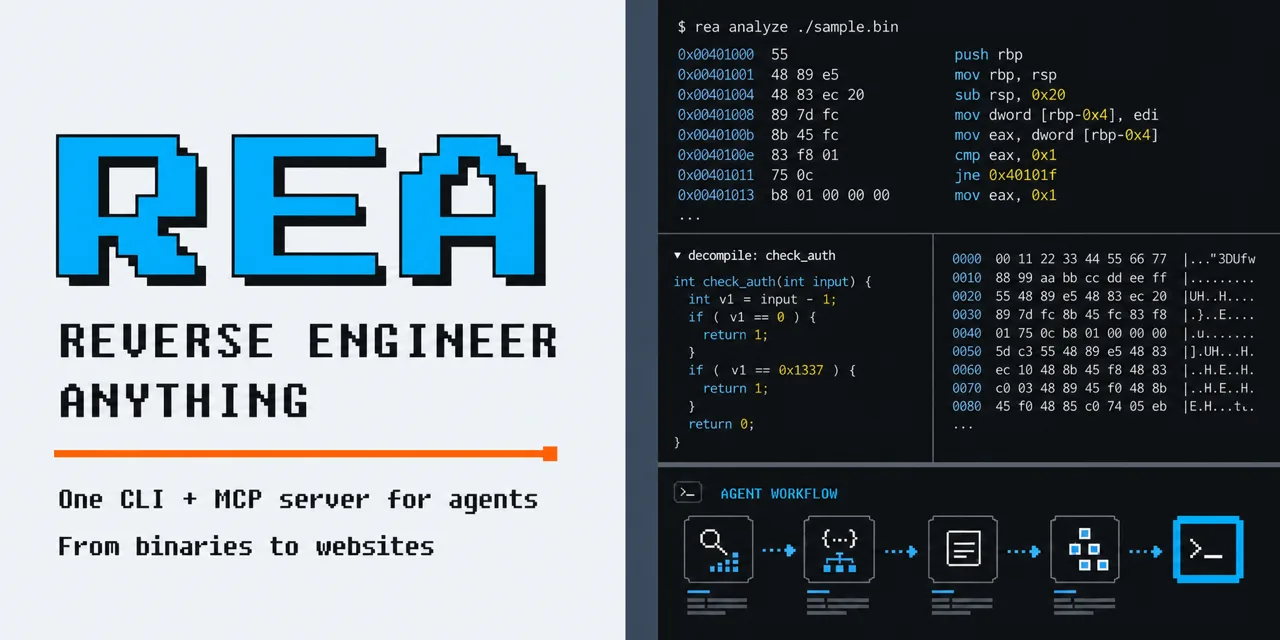
One MCP for reverse engineering across binaries, applications, and runtime behavior.
See a feature you like. Understand how it works, down to the binary level.
Quick start · How REA works · What you can analyze · Showcases · FAQ · Documentation
Get REA from morluto/rea, rea.tools, or the rea-agents npm package. Follow the installation and release links from these official sources. A similar repository name or copied README does not establish that a download is official.
See a feature in an app that you want in your own product? Ask your agent to investigate it with REA. It can inspect the app without its source code, explain how the feature works, show the evidence, and build a version for your project.
2. Dữ liệu và cấu trúc đáng chú ý
REA connects your agent to tools for inspecting native binaries, JavaScript and Electron apps, .NET assemblies, and websites. You can also use the same tools from your terminal. Analysis runs locally, and results include the evidence and limitations behind each conclusion.
Setup registers REA with your agent and installs matching workflow instructions. Native analysis can use an existing Hopper, Ghidra, or IDA installation; setup can optionally install Hopper with approval. Static JavaScript analysis needs no native analysis engine.
Visit the REA website for setup instructions, illustrated guides, and real case studies.
On Linux, Ghidra, JADX, firmware tool launches and static JavaScript/Electron analysis require a procps-compatible ps on REA's PATH for process ownership checks. Recovery steps are in docs/installation.md under "Linux owned-process prerequisite".
With Node.js and npm installed, run:
Choose your agents, review the proposed changes, and approve them. Setup adds REA's MCP server and matching workflow instructions, with backups of existing configuration. Restart your agent afterward.
Setup supports Claude Code, Codex, Cursor, Gemini CLI, Grok Build and other agents. See installation and setup for provider configuration and manual MCP registration.
3. Khả năng ứng dụng và giới hạn
Replace Notes with your target app and the feature you want to understand.
Inspect an extracted JavaScript/Electron app directory or ASAR:
The result includes modules, imports, Electron boundaries and their evidence. Replace the path with your target, such as "D:/apps/example" on Windows.
To install the rea command for regular use:
For native analysis, configure a provider first. See the CLI and Evidence guide for native commands, provider selection, snapshots and scripting.
REA changes quickly, and new releases include frequent bug fixes. Keep your installation up to date.
For a CLI installed with npm install –global or bun add –global:
Bun global updates require Bun 1.2.17 or later. With an older Bun release, upgrade Bun manually before running rea update.
To refresh your agent registrations and skill, run the setup command printed by the update.
Số liệu repository có thể thay đổi; nên mở liên kết nguồn để kiểm tra README, giấy phép và trạng thái phát hành.
Nguồn tham khảo: Xem bài gốc