4 phút đọc
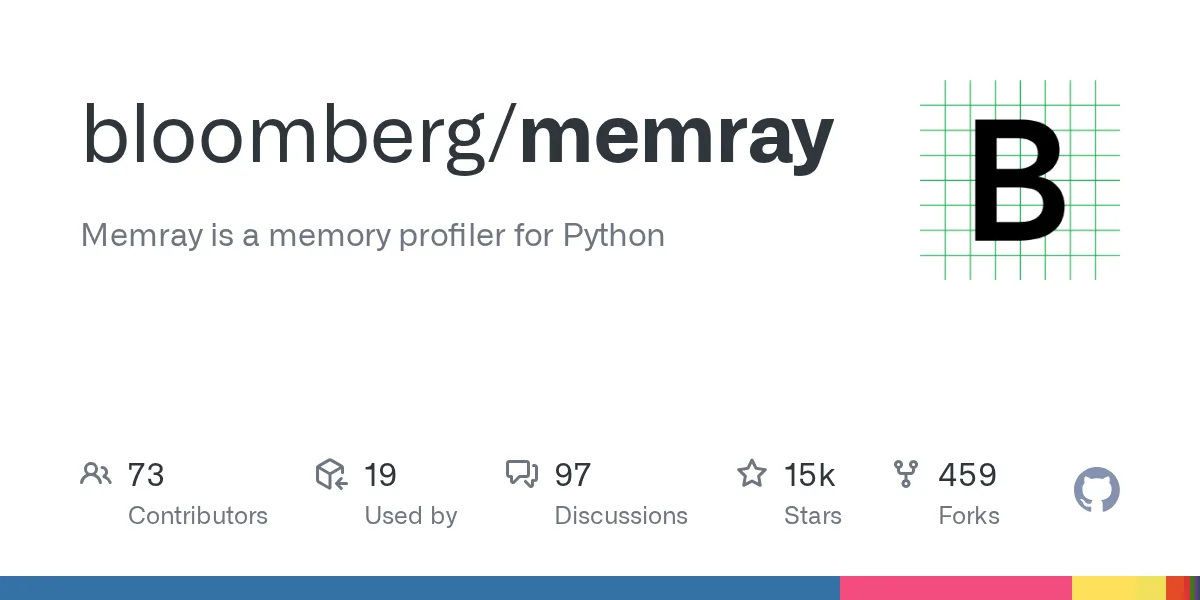
bloomberg/memray: Memray is a memory profiler for Python – Repository bloomberg/memray. Mô tả: Memray is a memory profiler for Python. 15209 stars, 459 forks, ngôn ngữ chính Python, cập nhật 2026-08-31.
1. Repository làm gì?
Memray is a memory profiler for Python. It can track memory allocations in Python code, in native extension modules, and in the Python interpreter itself. It can generate several different types of reports to help you analyze the captured memory usage data. While commonly used as a CLI tool, it can also be used as a library to perform more fine-grained profiling tasks.
Memray can help with the following problems:
Note Memray only works on Linux and MacOS, and cannot be installed on other platforms.
We are constantly looking for feedback from our awesome community ❤️. If you have used Memray to solve a problem, profile an application, find a memory leak or anything else, please let us know! We would love to hear about your experience and how Memray helped you.
Please, consider writing your story in the Success Stories discussion page.
Memray requires Python 3.9+ and can be easily installed using most common Python packaging tools. We recommend installing the latest stable release from PyPI with pip:
2. Dữ liệu và cấu trúc đáng chú ý
Notice that Memray contains a C extension so releases are distributed as binary wheels as well as the source code. If a binary wheel is not available for your system (Linux x86/x64 or macOS), you'll need to ensure that all the dependencies are satisfied on the system where you are doing the installation.
If you wish to build Memray from source you need the following binary dependencies in your system:
Check your package manager on how to install these dependencies (for example apt-get install build-essential python3-dev libdebuginfod-dev libunwind-dev liblz4-dev in Debian-based systems or brew install lz4 in MacOS). Note that you may need to teach the compiler where to find the header and library files of the dependencies. For example, in MacOS with brew you may need to run:
before installing memray. Check the documentation of your package manager to know the location of the header and library files for more detailed information.
If you are building on MacOS, you will also need to set the deployment target.
Once you have the binary dependencies installed, you can clone the repository and follow with the normal building process:
This will install Memray in the virtual environment in development mode (the -e of the last pip install command).
3. Khả năng ứng dụng và giới hạn
If you plan to contribute back, you should install the prek (pre-commit) hooks:
This will ensure that your contribution passes our linting checks.
You can find the latest documentation available here.
There are many ways to use Memray. The easiest way is to use it as a command line tool to run your script, application, or library.
To use Memray over a script or a single python file you can use:
If you normally run your application with python3 -m my_module, you can use the -m flag with memray run:
You can also invoke Memray as a command line tool without having to use -m to invoke it as a module:
The output will be a binary file (like memray-my_script.2369.bin) that you can analyze in different ways. One way is to use the memray flamegraph command to generate a flame graph:
This will produce an HTML file with a flame graph of the memory usage that you can inspect with your favorite browser. There are multiple other reporters that you can use to generate other types of reports, some of them generating terminal-based output and some of them generating HTML files. Here is an example of a Memray flamegraph:
Số liệu repository có thể thay đổi; nên mở liên kết nguồn để kiểm tra README, giấy phép và trạng thái phát hành.
Nguồn tham khảo: Xem bài gốc